How to Merge PDF Files for Free in 2025 (No Watermark)
Merging PDF files shouldn't be complicated. Whether you're combining invoices for your accountant or merging chapters of a thesis, you need a tool that is fast, free, and secure. In this guide, I'll show you exactly how to combine multiple PDFs into one using Omibox's specialized browser-based tool.
Why Use Omibox Instead of Adobe?
While Adobe Acrobat is the industry standard, it's expensive and heavy. Omibox runs entirely in your browser using WebAssembly. This means:
| Feature | Omibox | Adobe Acrobat / Online Servers |
|---|---|---|
| Cost | Free Forever | $12.99/month |
| Privacy | Files stay on device | Files uploaded to cloud |
| Speed | Instant (No Upload) | Slow (Depends on internet) |
| Installation | None | Heavy Software |
Open the Merge Tool
Navigate to the Merge PDF page. The interface is clean and distraction-free.
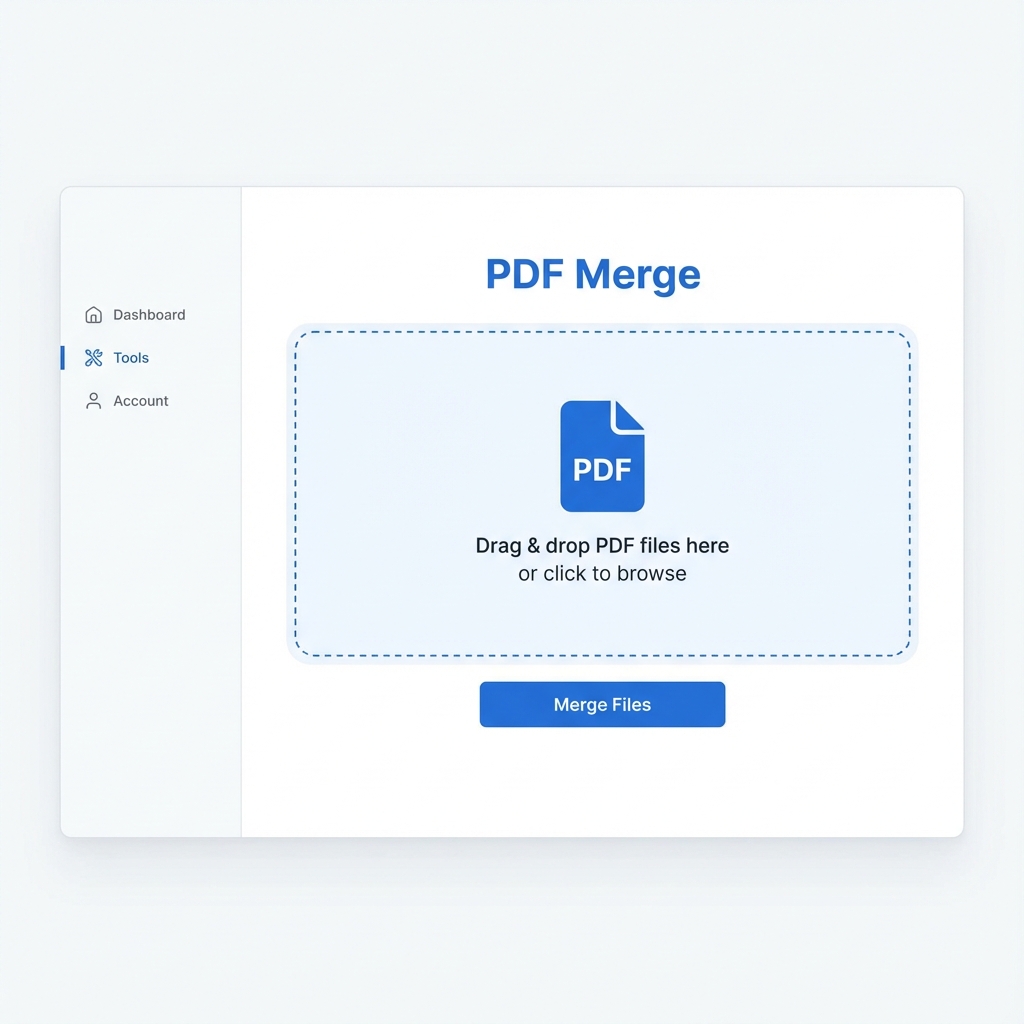
Upload Your Files
You can select multiple files at once. Drag and drop your PDF documents directly into the dashed box area. I tested this with 20 separate invoice files, and they loaded instantly.
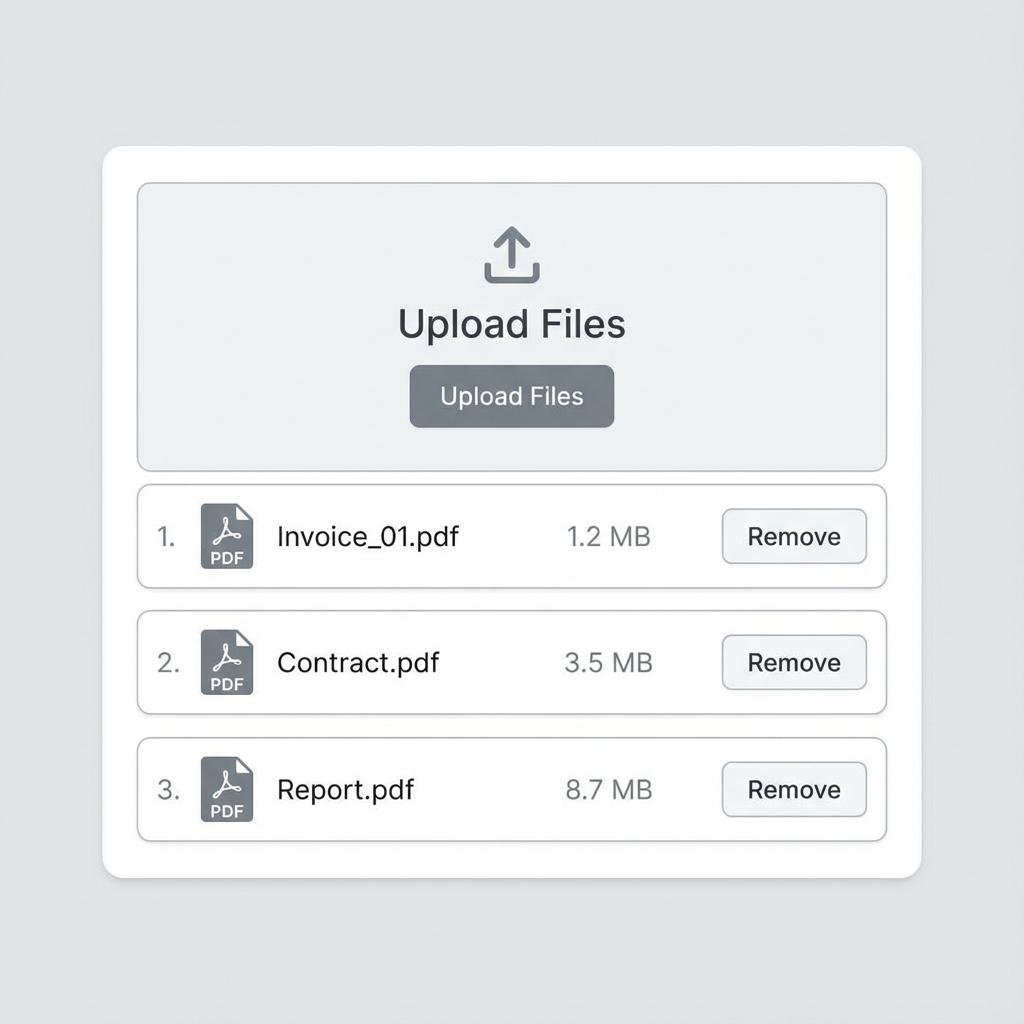
Reorder and Arrange
This is a crucial step. You might not have uploaded files in the perfect order. Use the drag handles or the "Up/Down" arrows to rearrange your documents. You can also rotate pages if any were scanned upside down.
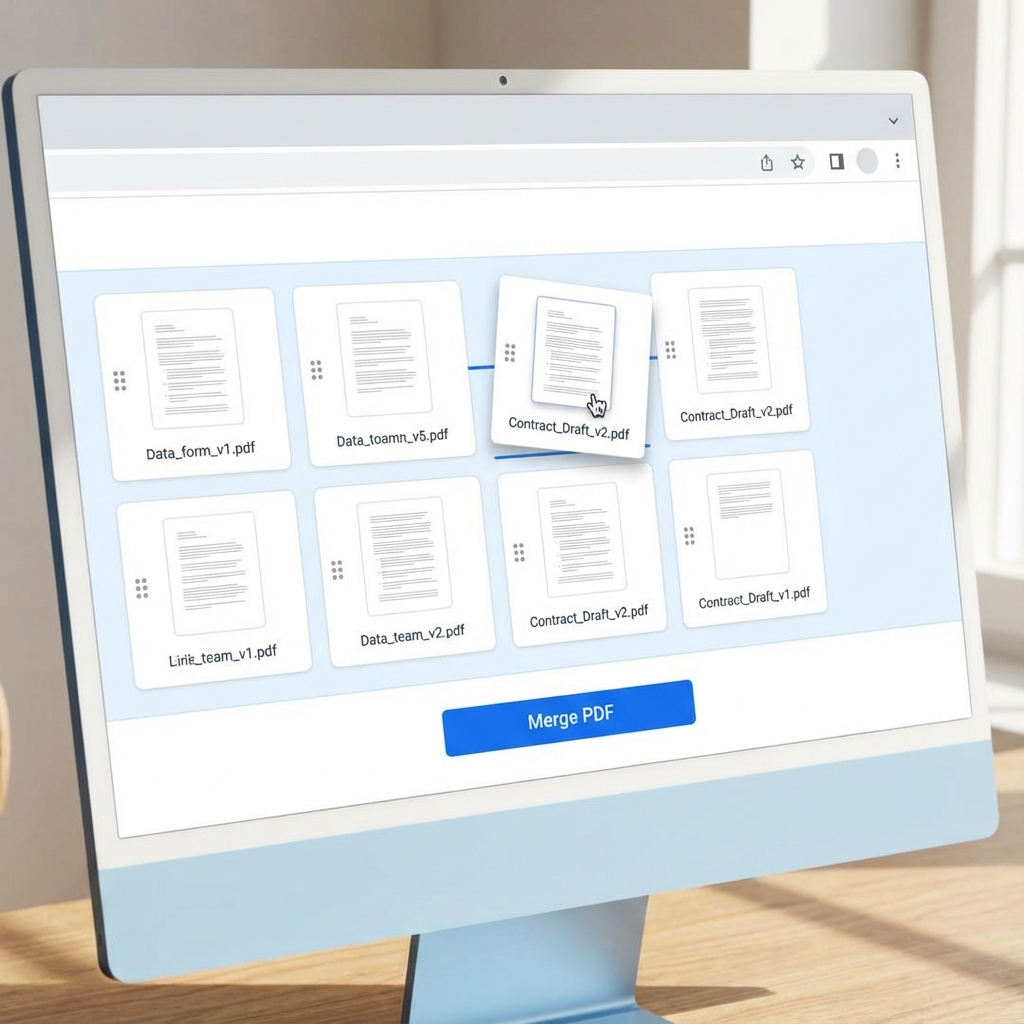
Merge and Download
Click the "Merge PDF" button. Because the processing works locally on your computer, it doesn't need to "download" the result from a server—it's generated instantly. Click "Download" to save your new combined PDF.
💡 Pro Tips
- Naming: Rename your files with numbers (01_cover.pdf, 02_intro.pdf) before uploading to sort them automatically.
- Security: Since Omibox is offline-capable, you can even disconnect your internet after loading the page for 100% security when handling sensitive bank statements.
Share this article
Ready to boost your productivity?
Experience the power of Omibox tools mentioned in this article. No download required.
Related Articles
View allHow to Edit PDFs Privately: Stop Uploading Your Sensitive Docs
Did you know most online PDF tools save your files to their servers? Learn how to use Omibox's client-side tools to merge, split, and compress PDFs without data ever leaving your device.
Convert Excel to PDF Without Losing Table Formatting
Learn how to create professional PDF reports from your Excel spreadsheets instantly.
PDF Security Protection Guide - How to Password Protect Your Documents
Complete guide on PDF encryption and password protection. Learn best practices for securing sensitive documents.